Adding new cultivars
Found a cultivar that isn't on the wiki? Submit it. New cultivars go through admin review (auto-approved if you're a verified breeder).
Before you start
First check the cultivar isn't already on the site under a different name. Search the homepage for every name you know — the search index covers aliases, so you won't accidentally duplicate a page that already exists.
If the search turns up nothing, click Add cultivar in the top nav.
If you're a verified breeder of this cultivar, your submission auto-approves and the page goes live immediately — see Breeder verification.

- 1Fill in the basicsCanonical name, hybridizer (your breeder name if you bred it), and a short description. The form validates the name against existing cultivars and aliases — if there's a likely collision you'll get a warning before submitting.
- 2Add structured fieldsColors, growth habit, fragrance, size, and other fields. Most are optional — the more you fill in, the higher quality the page starts at.
- 3Attach referencesAt least one reference is strongly encouraged. Pages submitted with zero references start as Unverified.
- 4Save as draft or submitDrafts persist on the server — you can come back days later to finish a long submission. Submit when you're ready.
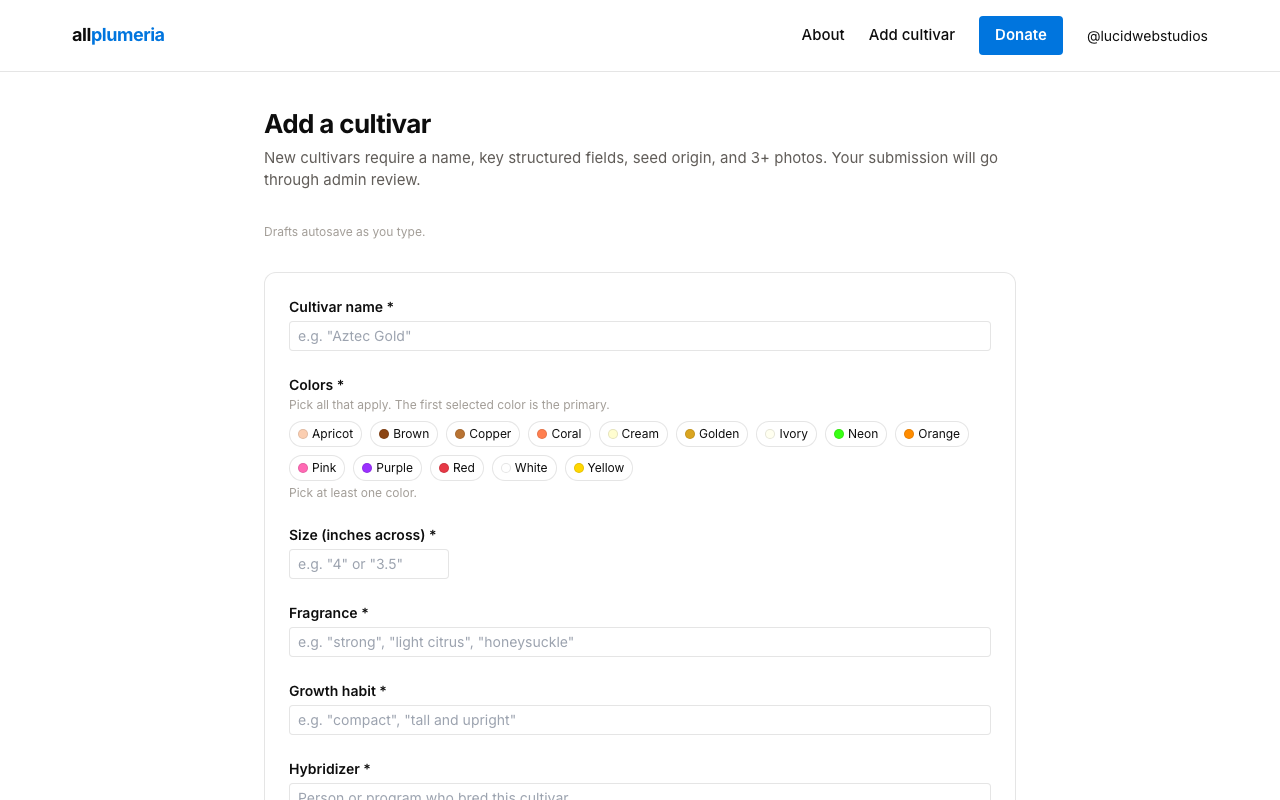
Required vs optional fields
A draft can be saved with anything filled in — drafts don't validate. Submitting for review is stricter. To submit you need:
- Required: name, at least one color, size (in inches), fragrance, growth habit, hybridizer, seed origin, description, and at least 3 photos.
- Optional:parentage, sets seed, species, aliases. These improve the page's quality tier but don't block submission if you don't know them yet.
The form flags missing required fields inline before you submit, so you'll always know what's left.
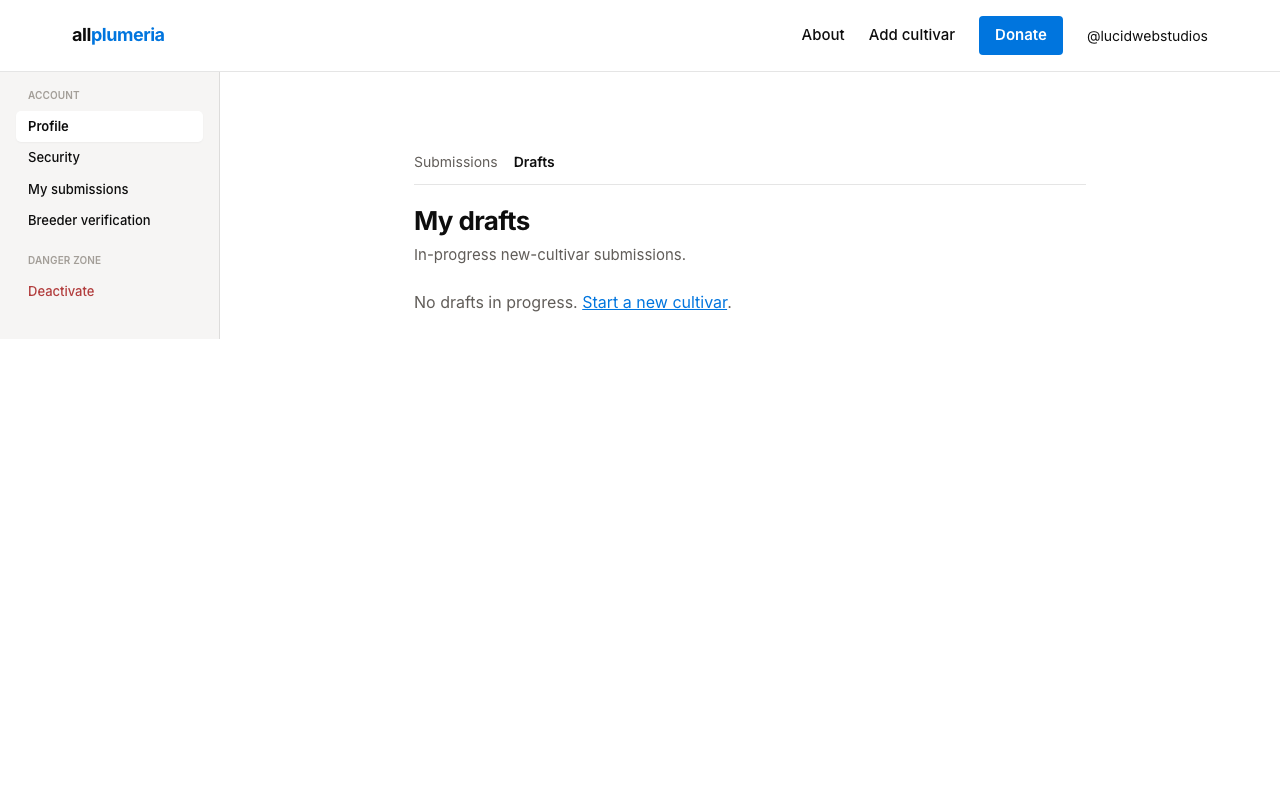
Drafts
Saved drafts live under Account → Drafts. They auto-save as you fill out the form. Close the tab and pick up later — your progress is on the server, not in browser local storage.
What happens after you submit
- Verified breeder of the proposed hybridizer — the cultivar is published immediately at the Authoritative tier.
- Anyone else — the submission enters the admin queue. Admins approve, reject, or request changes.
Track status from My submissions. When an admin responds, a small notification dot appears on the user menu.
If admins request changes
Open the submission from your account, read the admin's comment, edit the same submission (it doesn't become a new one), and re-submit. Status moves from Changes requested back to Pending.